How Workspace 365 Is Making the Digital Workplace Easier to Use with AI
Investing in digital tools has not automatically made work easier for employees. How Workspace 365, now with AI Digital Guide Kelly, brings scattered information back into one place.
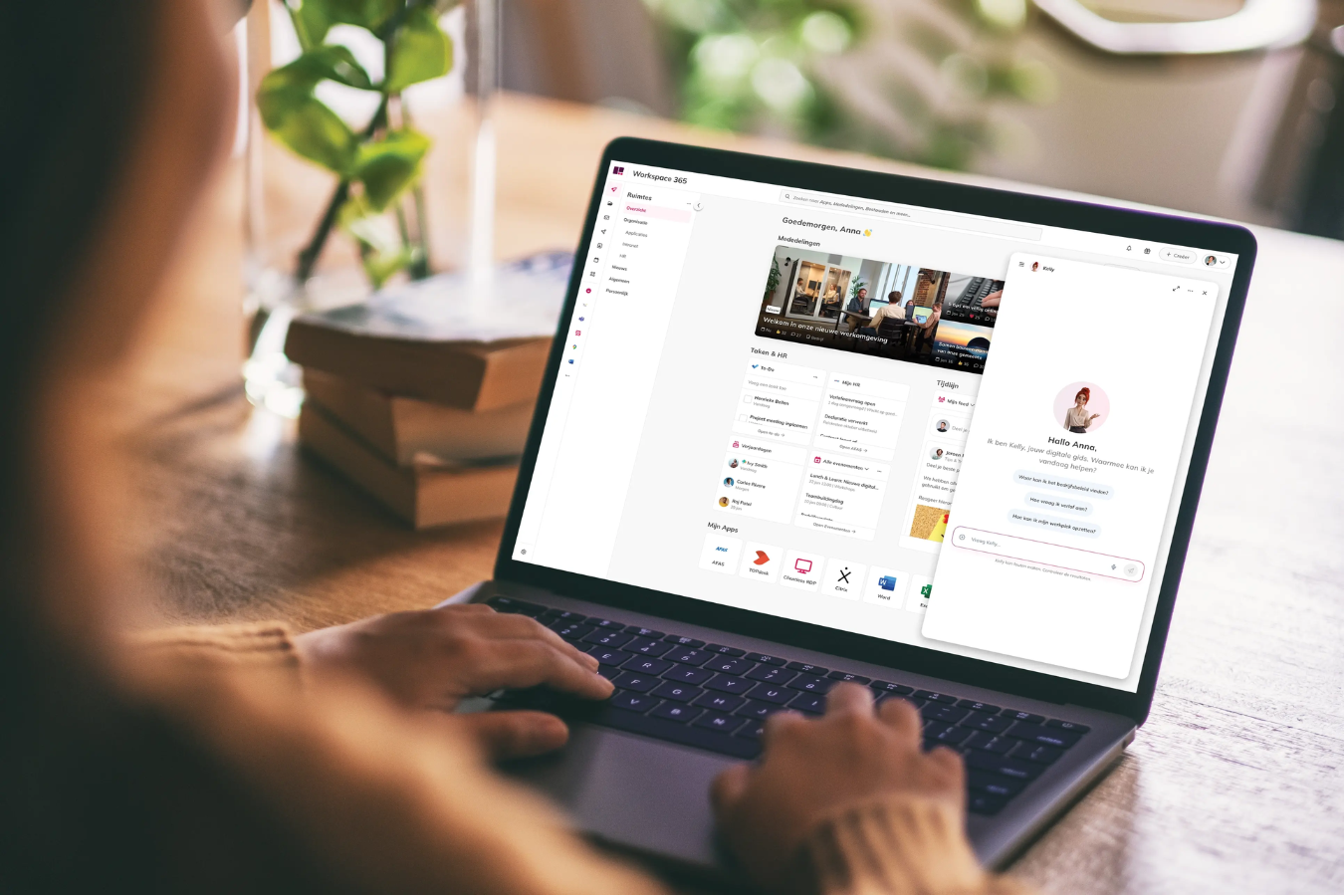
Many organizations have invested in digital tools, but the experience for employees hasn’t necessarily improved. Information is still spread across systems, applications don’t always connect, and finding the right document or answer often takes longer than it should.
Workspace 365 addresses this by simplifying how employees access and use information - now with the addition of an AI Digital Guide, Kelly.
From Too Many Tools to One Clear Workspace
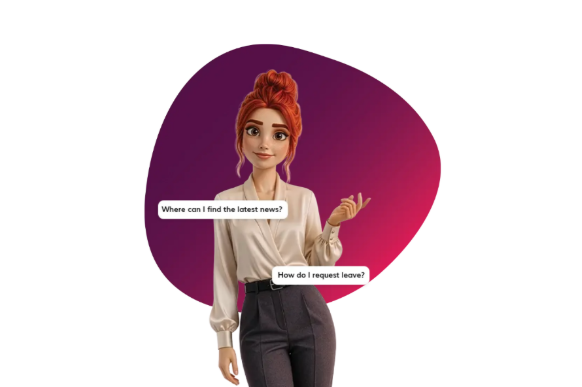
In many organizations, employees switch between multiple applications just to complete simple tasks. Searching for documents, checking internal policies, or finding the right contact often means navigating different systems.
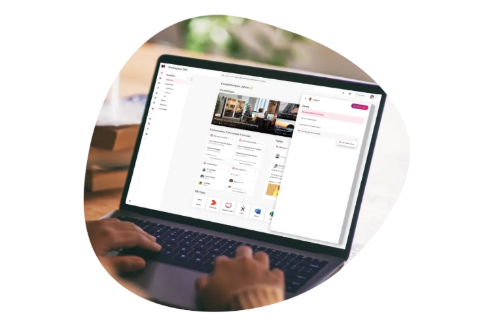
Workspace 365 brings these elements together into one environment. Instead of adapting to multiple tools, employees work from a single workspace where applications, documents, and information are already connected.
The addition of the AI Digital Guide builds on this by making that environment easier to interact with.
Finding Information Without Searching for It
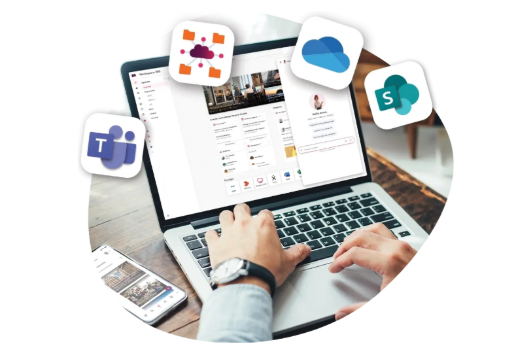
Rather than manually navigating systems, employees can simply ask a question.
Whether it’s:
- Finding a document
- Understanding an internal policy
- Identifying the right colleague
The AI Digital Guide provides a direct answer, without requiring users to know where the information is stored.
This reduces time spent searching and lowers the dependency on internal support teams. At the same time, all responses respect existing access rights and security settings, so users only see what they are allowed to see.
One Access Point for Knowledge
Workspace 365 connects information across systems and presents it in one place. The AI Digital Guide builds on this by allowing users to search across all connected sources at once.
It also helps users process information faster. Instead of reviewing long documents, key points are summarized into clear, usable insights. This makes it easier to act on information, rather than just find it.
Practical Value Across Teams
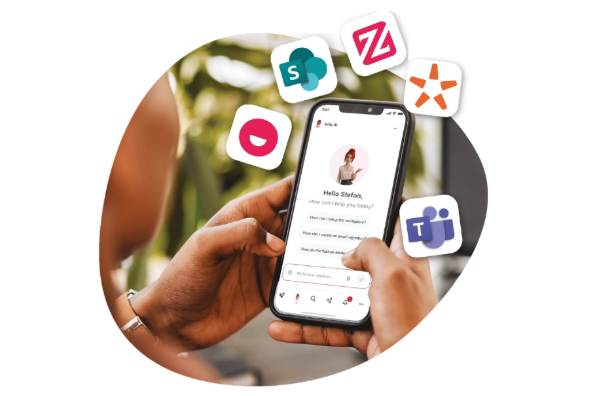
The impact is not limited to one department. Different teams benefit in different ways:
- IT teams reduce complexity and support requests
- HR teams can simplify onboarding and recurring employee questions
- Communication teams ensure information is easier to find and actually used
- Employees spend less time searching and more time completing tasks
The result is a more efficient and self-sufficient organization.
Built into the Platform, Ready to Scale
The AI Digital Guide is fully integrated into Workspace 365 and included within existing packages. This means organizations can start using AI without introducing additional tools or complex implementations.
As usage grows, the solution can scale with flexible capacity options, ensuring it remains aligned with the organization’s needs over time.
A More Practical Approach to the Digital Workplace
The value of a digital workplace is not just in connecting tools, but in making them easier to use.
By combining a unified workspace with AI-driven support, Workspace 365 helps employees spend less time navigating systems and more time focusing on their work.
Explore What This Could Look Like for Your Organization
If you want to understand how this would apply in your environment, we can walk you through it.
You can speak with a Dyanix Workspace 365 expert to assess where it fits within your current setup.
Ready to digitise your documents?
Lorem ipsum dolor sit amet, consectetur adipiscing elit, sed do eiusmod tempor incididunt ut labore et dolore magna aliqua. Ut enim ad minim.