Get scanning environments operational from day one
Installation impacts performance, usability, and how effectively systems fit into day-to-day workflows. A structured setup reduces implementation errors, avoids rework, and helps maintain consistent performance from day one.
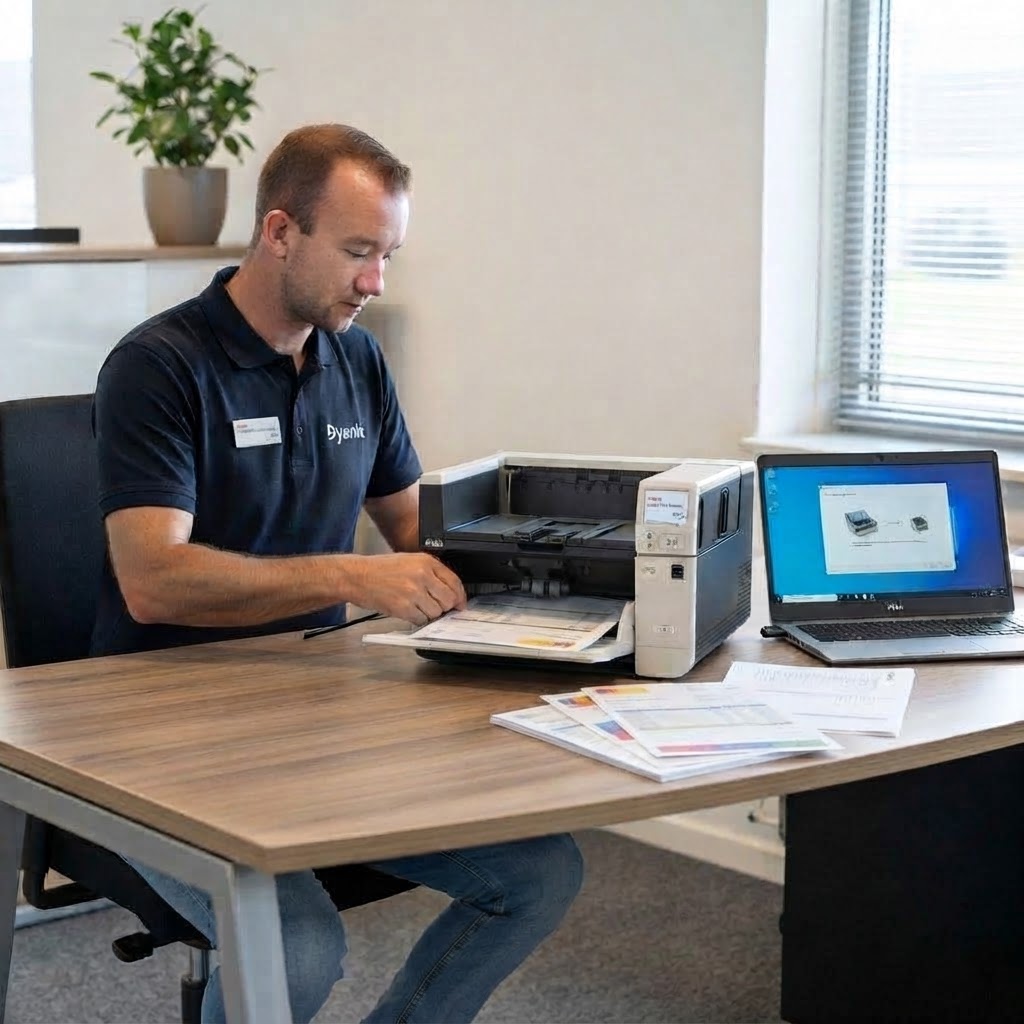
What Dyanix Installation Services cover
Dyanix Installation Services focuses on configuring scanning environments, so they function correctly within operational workflows and existing infrastructure.
This includes:
- Unpacking, assembly, and physical setup of scanners
- Connection to workstations, networks, and peripherals
- Installation of drivers and required software components
- Configuration of scan functionality and profiles
- Testing and validation within the operational environment
The result is a scanning environment that is fully configured, tested, and ready for use.
How installation works
Dyanix Installation Services follow a structured implementation approach to ensure systems are operational and validated before handover.
- Preparation
Review of environment, requirements, and operational setup
- Setup
Installation of scanner hardware and connection to systems
- Configuration
Setup of drivers, scan profiles, and required components
- Validation
Testing of functionality and performance in real operational conditions
- Handover
Introduction to the system and operational guidance for users
Installation Smart
A practical installation service for organizations that need a scanner physically installed, connected, and tested for use.
Includes:
- Unpacking and assembly
- Hardware installation and connection
- Driver installation and basic configuration
- Functional testing
- Basic operator guidance
Best suited for:
- Standard document-scanner installations
- Replacement scanners with a straightforward setup
- Teams that require a tested hardware environment
Installation Business
Installation Business expands on the Smart setup by including additional configuration and structured operational guidance.
Includes everything in Smart, plus:
- Installation and setup of scanning software
- Demonstration of scanning solution
- Introduction to the use of the software and drivers
Best suited for:
- Scanning environments using supplied capture software
- Teams introducing a new scanner and software workflow
- Organizations that need users to being working confidently from the start
Installation Custom
Tailored setup for more complex scanning environments that require advanced configuration and user-specific setup.
Includes:
- Advanced configuration of hardware and software
- Capture-software installation and scan-job configuration
- User configuration based on operational requirements
- Advanced network-specific setup where required
- A customized training plan, including maintenance guidance
Best suited for:
- Production scanning environments
- Book and large format scanning applications
- Teams with specific user, software, or network requirements
What you get
Dyanix Installation Services focus on making the transition from delivery to day-to-day use more straightforward.
- A scanner and, where applicable, capture software configured for use
- Testing before the environment is handed over
- User guidance that supports correct operation and regular care
- A setup aligned with your equipment, users, and operational workflows
From installation to long-term operation
Dyanix Installation is one stage in a wider service lifecycle. Once the environment is in use, Dyanix can support reliable performance, consistent user adoption, and ongoing technical requirements.
When to use Dyanix Installation Services
Installation Services are recommended when introducing, replacing, or expanding scanning environments.
Typical scenarios include:
- Deploying new scanners
- Replacing or upgrading existing equipment
- Expanding or scaling scanning operations
- Introducing structured scanning workflows
Supporting a wide range of scanning technologies
Dyanix Installation Services support a broad range of scanning environments, including:
- Office scanners
- Production scanners
- Large format scanners
- Book scanners
- Microform scanners
Each installation approach is adapted to the operational requirements of the environment and technology.
Why Dyanix
Dyanix Installation Services combine technical expertise with practical implementation experience.
What this means in practice:
- Systems are configured around real operational use
- Installations are validated in working environments
- Implementation risks are reduced
- One partner manages deployment and transition to operation
The Dyanix Services Lifecycle
Dyanix Services support every stage of the operational lifecycle:
- Consultation
Define the right setup and workflow approach
- Installation
Deploy and configure systems for operational use
- Training
Enable correct and consistent usage across teams
- Support & Maintenance
Maintain uptime, performance, and continuity over time
Lorem ipsum dolor sit amet elit
Lorem ipsum dolor sit amet, consectetur adipiscing elit, sed do eiusmod tempor incididunt ut labore et dolore magna aliqua. Ut enim ad minim veniam, quis nostrud exercitation ullamco laboris nisi ut aliquip ex ea commodo consequat. Duis aute irure dolor in reprehenderit in voluptate velit esse cillum dolore eu fugiat nulla pariatur.
Smart
Business
Custom
Hardware installation & setup
Connection to PC / network
Driver installation
Functional testing
Capture software installation
Scan job / profile configuration
User introduction
Basic guidance
Advanced configuration
Customized setup
Training approach
Basic guidance
Structured introduction
Customized approach
Best suited for
Office environments
Production / workflow-driven environments
Complex / specialized environments










frequently asked questions
Helping you make informed decisions
Yes. Capture and data processing software can be included as part of the setup.
Organizations that need temporary capacity, such as government institutions, archives, and enterprises running digitization projects.
Get the most from your technology
From advice and implementation to training and support, Dyanix is here to help at every stage.