Is It Time to Replace Your Document Scanner? 7 Signs You Shouldn’t Ignore
Ageing scanners rarely fail overnight; they slow workflows, introduce errors and quietly erode data quality. Seven signs that your device has reached the end of its useful life.
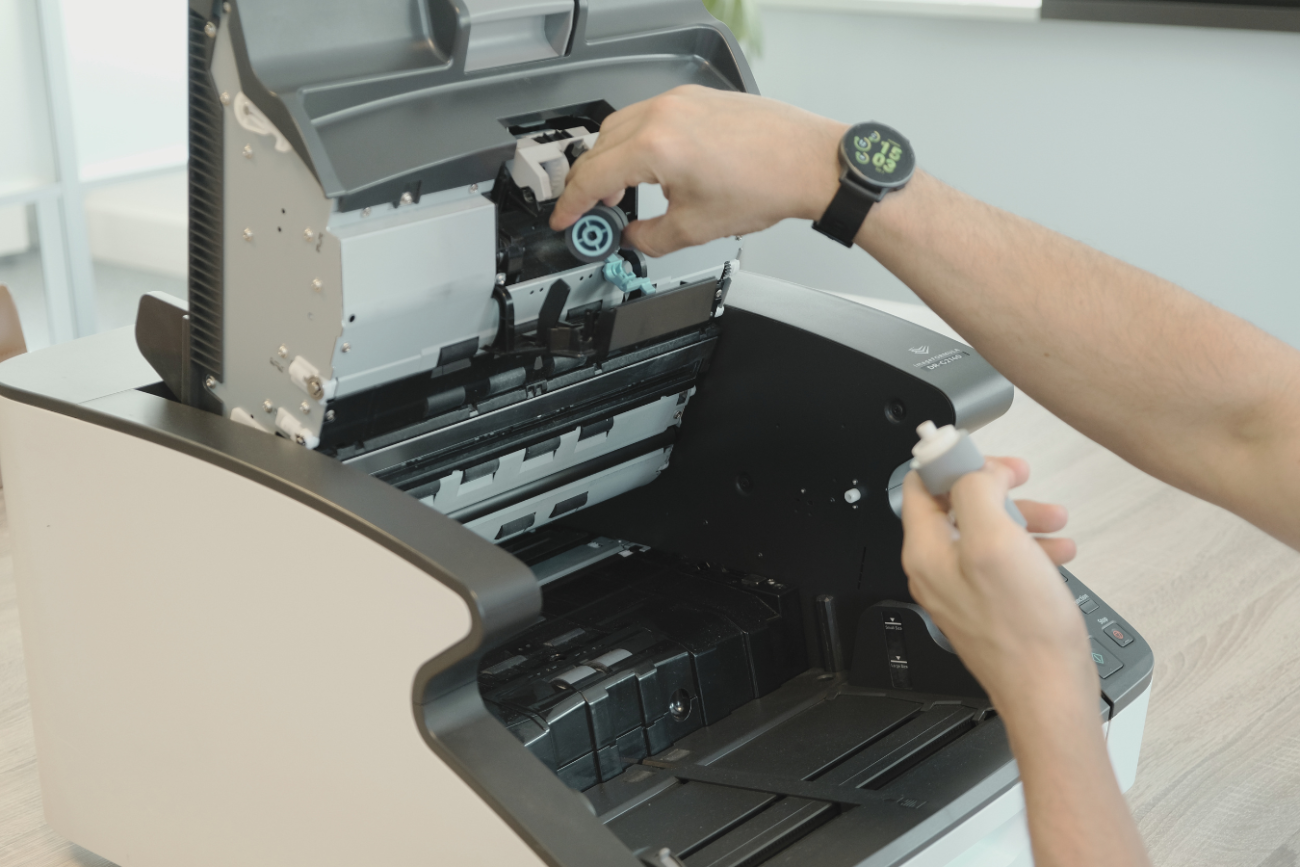
Document scanners are often treated as stable, long-term equipment. They sit in the background of daily operations, quietly processing documents. But over time, performance declines. What starts as small inefficiencies - slower speeds, occasional errors - gradually impacts entire workflows.
For organizations that rely on document capture as the starting point of their information flow, an outdated scanner does more than slow down scanning. It affects data quality, processing speed, and operational consistency.
This raises a practical question: when is it time to replace your scanner?
1. Your Scanner Is More Than 5 Years Old
Most production and departmental scanners are designed for high-volume use, but they are not built to perform at peak levels indefinitely.
In many environments, a 3–5 year lifecycle is a realistic benchmark, depending on usage, maintenance, and workload.
After this period:
- Components begin to wear
- Performance becomes less consistent
- Maintenance frequency increases
If your scanner has been in continuous use for over five years, it is worth reassessing whether it still meets your operational requirements.
2. Throughput No Longer Matches Your Workload
As document volumes grow, older scanners often become a bottleneck.
You may notice:
- Slower batch processing
- Increased queuing of documents
- Staff waiting for scanning jobs to complete
This creates delays at the very start of your workflow. If capture slows down, everything that follows - classification, processing, storage - slows down as well.
3. Image Quality Is Inconsistent
Consistent image quality is critical, especially when documents are used for:
- OCR (optical character recognition)
- Data extraction
- Compliance and archiving
Signs of decline include:
- Skewed or misaligned scans
- Faded or uneven images
- Loss of detail in fine print
Poor input quality leads directly to lower OCR accuracy and more manual correction, increasing operational effort.
4. You Are Spending More Time on Manual Correction
When scanners no longer capture documents cleanly, teams compensate manually.
This shows up as:
- Re-scanning documents
- Adjusting images after capture
- Correcting extracted data
Over time, this manual work adds up. What should be an automated process becomes labor-intensive, reducing efficiency and increasing cost per document.
5. Maintenance and Downtime Are Increasing
All scanners require maintenance, but aging devices typically require it more often.
You may experience:
- Frequent paper jams
- Roller and consumable wear
- Unexpected downtime
At a certain point, maintenance costs and operational disruption outweigh the value of keeping the device in use.
6. Your Scanner Cannot Support Modern Workflows
Document capture is no longer just about creating digital images. It is the starting point for:
- Intelligent Document Processing (IDP)
- Automated classification and metadata extraction
- Integration with document management and business systems
Older scanners may not:
- Integrate easily with modern software
- Support advanced image processing features
- Deliver the consistency required for automated workflows
This limits your ability to move toward more efficient, data-driven processes.
7. Your Organization Is Scaling, but Your Infrastructure Is Not
As organizations grow, document volumes increase and workflows become more complex.
If your scanning infrastructure does not scale with your needs, you will see:
- Processing delays
- Inconsistent output across teams
- Increased operational pressure
Replacing outdated scanners is often a necessary step to standardize and future-proof document capture.
What Replacing Your Scanner Actually Changes
Upgrading a scanner is not just a hardware decision. It affects the entire document workflow.
A modern scanning environment enables:
- Faster, more predictable throughput
- Consistent image quality for downstream processing
- Reduced manual intervention
- Better integration with capture and information management systems
This creates a stable foundation for automation and structured data processing.
When to Take Action
If several of the signs above apply to your environment, it is likely time to reassess your current setup.
A structured evaluation should consider:
- Current document volumes Error rates and rework
- Maintenance frequency
- Integration requirements
From there, you can determine whether optimization is sufficient—or whether replacement is the better long-term decision.
Assess your current scanning setup
If you are unsure whether your current scanners still meet your requirements, Dyanix can help you evaluate your environment and define the right next step.
Ready to digitise your documents?
Lorem ipsum dolor sit amet, consectetur adipiscing elit, sed do eiusmod tempor incididunt ut labore et dolore magna aliqua. Ut enim ad minim.